On this page
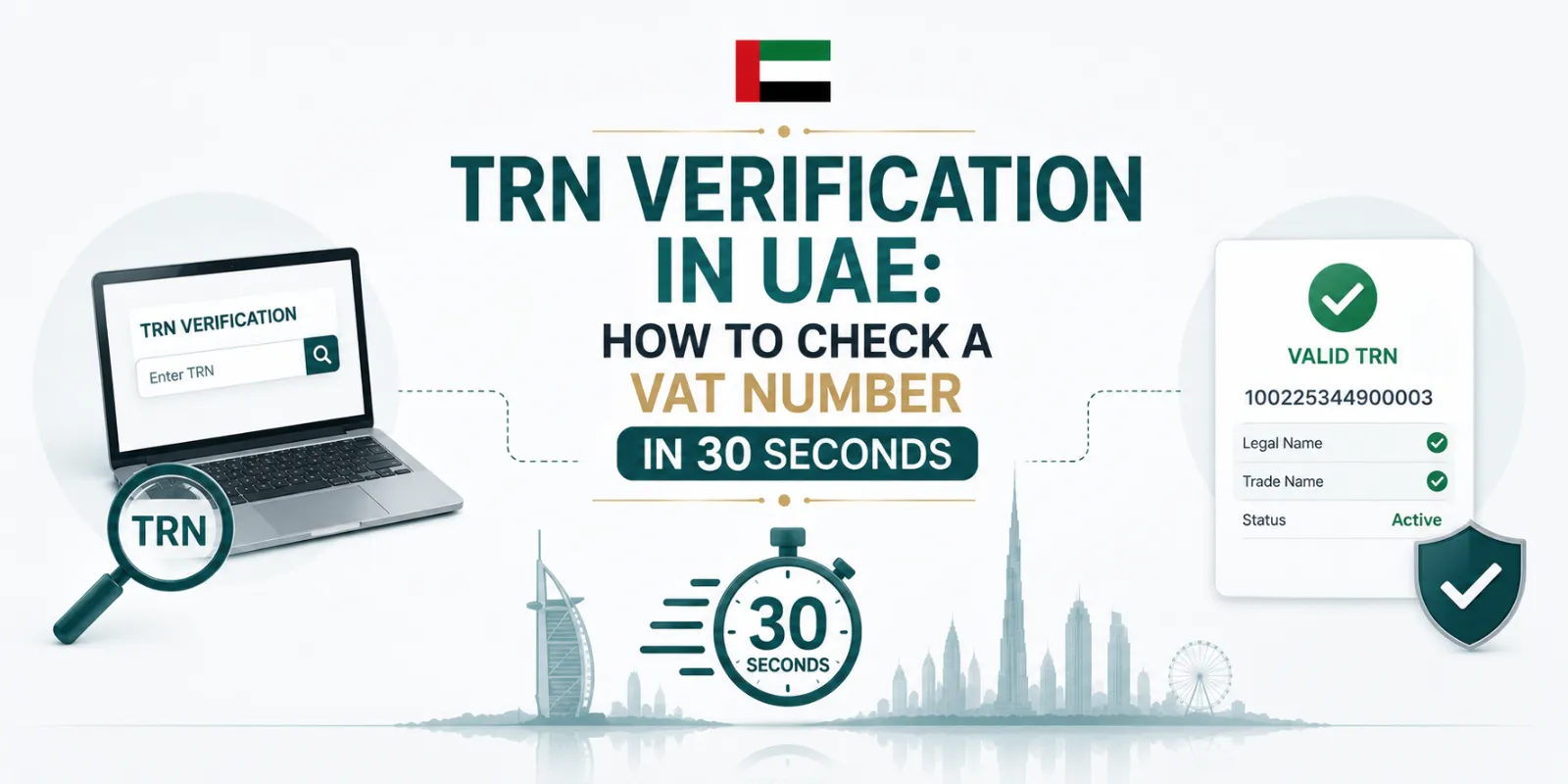
You can verify any UAE Tax Registration Number (TRN) free of charge on the Federal Tax Authority's website: open the TRN verification tool on tax.gov.ae, enter the 15-digit number, complete the security check, and the FTA displays the registered business name the TRN belongs to. If nothing comes back — or the name doesn't match the invoice — do not pay the VAT line on that invoice.
How to verify a TRN — 4 steps
Go to the FTA website — tax.gov.ae — and open the TRN verification tool (available directly on the site without any login, and also inside EmaraTax).
Enter the 15-digit TRN exactly as shown on the invoice or quotation.
Complete the captcha/security check and submit.
Read the result: a valid TRN returns the registrant's legal name (English and Arabic). Confirm it matches the supplier name on your invoice — a valid TRN belonging to a different company is still a red flag.
What a TRN is and where it appears
The TRN is the unique 15-digit number the FTA issues on VAT registration. Every registered business must show it on its tax invoices, tax credit notes and VAT-related documents. On a compliant invoice you'll find it alongside the supplier's name and address in the header — if an invoice charges 5% VAT but shows no TRN at all, it is not a valid tax invoice.
TRN: 100 2345 6789 0003
| Office supplies (excl. VAT) | AED 4,000.00 |
| VAT @ 5% | AED 200.00 |
| Total | AED 4,200.00 |
Why verifying matters
- Your input VAT depends on it. You can only recover input VAT on the strength of a valid tax invoice from a registered supplier. If the TRN is fake or belongs to someone else, the FTA can disallow your recovery in an audit — the cost lands on you, not the fraudster.
- Charging VAT without registration is a real scam. Unregistered businesses sometimes add "VAT" to invoices and pocket the 5%. Verification is the 30-second defence.
- Onboarding hygiene. Verify every new supplier's TRN once at onboarding and keep a dated screenshot in the vendor file — with e-invoicing arriving in 2027, clean TRN master data stops being optional anyway: structured invoices with wrong TRNs will simply fail validation.
Key takeaway
Verify once at onboarding, re-verify when anything changes (name, licence, bank details), and never process an invoice whose TRN doesn't return the supplier's exact legal name.
If a TRN doesn't check out
Don't pay that VAT line
- Ask the supplier for their VAT registration certificate — typos happen; a genuine supplier resolves this in minutes.
- If they can't produce one, don't pay the VAT element and don't claim it.
- Businesses knowingly charging VAT without registration can be reported to the FTA through its official channels.
Vendor compliance, handled
Stevva's bookkeeping service verifies supplier TRNs, validates invoices and keeps your input VAT audit-proof.
Talk to us →FAQs
How do I verify a TRN in the UAE?
Use the free TRN verification tool on the FTA website (tax.gov.ae): enter the 15-digit TRN, pass the security check, and the registered business name is displayed. No login is required.
How many digits is a UAE TRN?
15 digits. Anything shorter or longer is not a valid UAE TRN.
Is TRN verification free?
Yes — the FTA's tool is free and publicly available, with no account needed.
What if an invoice charges VAT but has no TRN?
It isn't a valid tax invoice. Don't pay the VAT element, and don't claim input VAT on it — request a compliant invoice showing the supplier's TRN.
Can I claim input VAT if the supplier's TRN turns out to be invalid?
No — recovery requires a valid tax invoice from a registered supplier. Invalid-TRN invoices are among the first disallowances in FTA audits, which is why verification at onboarding matters.
Is the TRN the same as a trade licence number?
No. The trade licence number comes from the licensing authority; the TRN is issued separately by the FTA on VAT registration. A business quoting only a licence number is not demonstrating VAT registration.
How do I find my own company's TRN?
It's on your VAT registration certificate and in your EmaraTax account dashboard.
How Stevva can help
Checking a TRN is the first step; from 1 October 2026, FTA Decision No. 13 of 2026 makes supplier verification a condition of input VAT recovery, so the check needs to be documented and repeated. Stevva Tax builds supplier verification files and reviews input VAT claims as part of our VAT advisory and compliance service.
Found an invoice with a TRN that does not check out? Message us on WhatsApp at +971 50 932 1257 and we will tell you what to do with it.
Sources: Federal Tax Authority TRN verification service and guides (tax.gov.ae); Federal Decree-Law No. 8 of 2017 and Executive Regulations (tax invoice requirements).
General information, not tax advice.

Hemavathi writes on UAE VAT and indirect tax for Stevva Tax, covering registration, compliance and the e-invoicing transition for businesses across the mainland and free zones.
Updated August 2026. This guide is general information, not tax advice.